A simple volume controller for Windows Vista

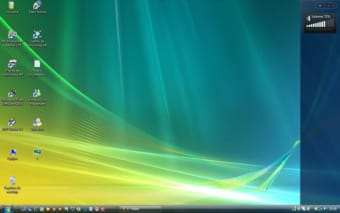
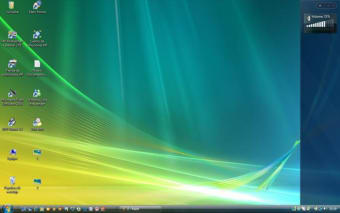
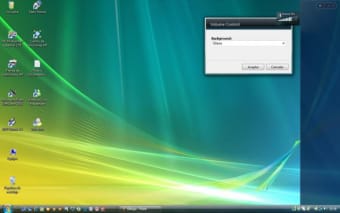
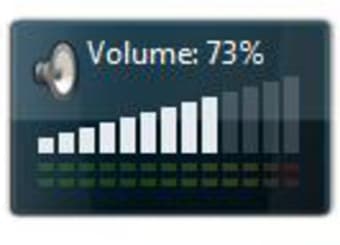
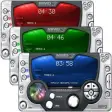
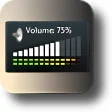
Having to go to the Windows menu in order to control the volume of your computer can be a bit of a hassle. Thankfully, this gadget exists to make your life easier. This gadget is named Volume Control. As its name suggests, it is a gadget for volume control. It is a gadget that can be installed on your desktop sidebar for easy access to your volume menu. It is displayed as a mini volume bar. It doesn’t have any complicated menus which is great for people that are easily confused with a lot of processes. This Volume Control gadget runs exclusively on Windows Vista.


Top Recommended Alternative

 0/4

App specs

  • License

    Free

  • Version

    6.6.3
  • Latest update

  • Platform

    Windows

  • OS

    Windows 11

  • Downloads

    181.4K

    Last month's downloads

    • 42
  • Size

    44.75 MB

  • Developer

Program available in other languages


User reviews about Volume Control

4

2 reviews

Add review

Main reviews for you

  • Anonymous user

    Nice but qwerky at times. The volume control gadget works in Win 7 for awhile & then stops working for whatever reason. You cannot use the gadget to control the volume. It only displays the currently set volume. The VU meters look great & work great as long as the gadget continues working. Using a multimedia keyboard with volume control, it does reflect the current volume setting. If it stops working, you can close it out, restart it & it works again. I use it under Vista & Win-7. I don't recall it freezing very often in Vista...only in Win-7. I am noticing that it tends to stop working when certain applications run & seems to be less prone to freezing when placed at the bottom right corner of the desktop. Despite the occasional freezing, I still use it. Hope this helps.RandyUsing for over 3yrs. Pros: Nice display / Nice VU metersShows the current volume setting when working Cons: Stability

  • Anonymous user

    Only shows volume. doesnt control volume. it shows the percentage of the volume

More

You may also like

Alternatives to Volume Control

Explore Apps

Latest articles

Laws concerning the use of this software vary from country to country. We do not encourage or condone the use of this program if it is in violation of these laws.